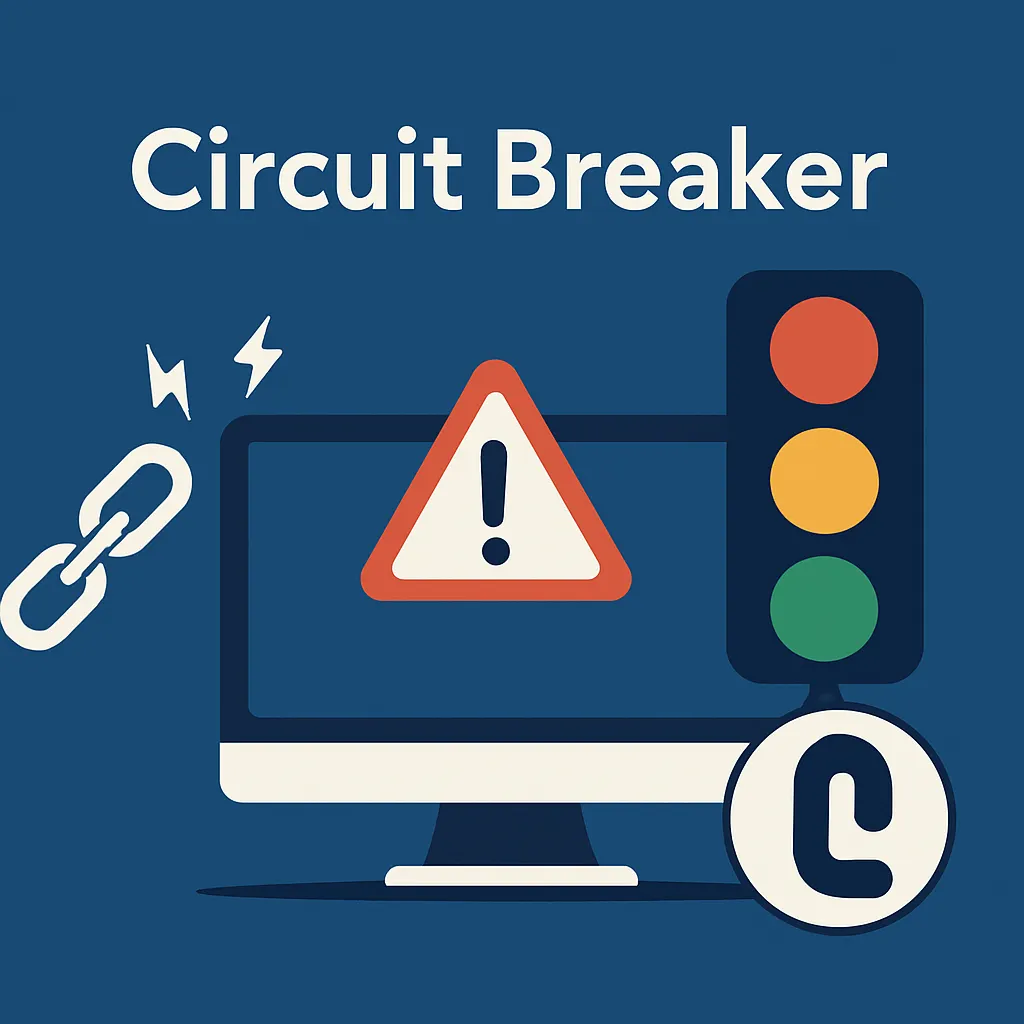
Ever watched your ASP.NET application grind to a halt because one tiny microservice decided to take a nap? Yeah, we too. Let's fix that.
You're running an e-commerce platform. Everything's going along nicely until your payment gateway starts having a bad day. Suddenly, every checkout request hangs for 30 seconds before timing out. Slow calls consume connection-pool slots, memory, request capacity, and other constrained resources. If application code blocks synchronously, it can exhaust worker threads too. Your app becomes a digital traffic jam. Customers abandon their carts. Your boss is calling.
What can you do to prevent this nightmare?
Think about the circuit breaker in your home. When there's an electrical fault, it flips off instantly to prevent your house from burning down. The software version works similarly - it disconnects from a failing service before it brings your entire system down with it.
Here's the good part: instead of your app desperately hammering a dead service like a squirrel on Red Bull, the circuit breaker says "Stop, we're not doing this right now" and fails fast.
The Three States
Closed (Green Light)
Everything's ok. Requests flow through normally. Your payment service is processing transactions like it should.
Open (Red Light)
We've reached the configured threshold of handled failures. The circuit breaker opens and immediately rejects subsequent executions routed through that pipeline. Requests already in flight are not cancelled by the state transition.
Half-Open (Yellow Light)
After the break duration has elapsed, the next execution becomes a single probe. Other executions are rejected while that probe is running. If the probe succeeds, the circuit returns to Closed. If it produces a handled failure, the circuit returns to Open. This transition is demand-driven: the breaker does not move to Half-Open in the background without another execution.
Polly also exposes an Isolated state that can hold a circuit open through manual control. The automatic flow in this example uses Closed, Open, and Half-Open.
Polly Circuit Breaker Example: Building a Weather Dashboard
Let's say you're building a dashboard that pulls data from multiple weather APIs. Here's how you'd protect yourself in ASP.NET Core.
First, add the following package:
dotnet add package Microsoft.Extensions.Http.ResilienceIn your Program.cs:
// Program.cs
using Microsoft.Extensions.Http.Resilience;
using Polly;

builder.Services.AddHttpClient("WeatherService", client =>
{
    client.BaseAddress = new Uri("https://api.weather-service.com/");
    // Let the resilience pipeline own timeout behavior.
    client.Timeout = System.Threading.Timeout.InfiniteTimeSpan;
})
.AddResilienceHandler("weather-pipeline", pipelineBuilder =>
{
    pipelineBuilder.AddCircuitBreaker(new HttpCircuitBreakerStrategyOptions
    {
        FailureRatio = 0.2,           // Open at 20% or more handled failures
        MinimumThroughput = 5,        // Evaluate after at least 5 executions
        SamplingDuration = TimeSpan.FromSeconds(20),
        BreakDuration = TimeSpan.FromSeconds(30)
    });

    // Polly timeouts throw TimeoutRejectedException, which the HTTP circuit
    // breaker handles by default.
    pipelineBuilder.AddTimeout(TimeSpan.FromSeconds(10));
});
By default, HttpCircuitBreakerStrategyOptions treats HTTP 500 and above, HTTP 408, HTTP 429, HttpRequestException, and Polly's TimeoutRejectedException as transient failures. Other unsuccessful responses, such as HTTP 400 or 404, do not count toward this circuit unless you customize ShouldHandle.
Now in your service layer:
using Polly.CircuitBreaker;

public class WeatherService
{
    private readonly IHttpClientFactory _httpClientFactory;
    private readonly ILogger<WeatherService> _logger;

    public WeatherService(
        IHttpClientFactory httpClientFactory,
        ILogger<WeatherService> logger)
    {
        _httpClientFactory = httpClientFactory;
        _logger = logger;
    }

    public async Task<WeatherData?> GetForecastAsync(
        string city,
        CancellationToken cancellationToken = default)
    {
        var client = _httpClientFactory.CreateClient("WeatherService");
        try
        {
            using var response = await client.GetAsync(
                $"forecast?city={Uri.EscapeDataString(city)}",
                cancellationToken);

            if (response.IsSuccessStatusCode)
            {
                var data = await response.Content.ReadFromJsonAsync<WeatherData>(
                    cancellationToken);
                return data;
            }
            _logger.LogWarning("Weather API returned {StatusCode}", response.StatusCode);
            return null;
        }
        catch (BrokenCircuitException ex)
        {
            // The request was short-circuited. Use a fallback only if it is safe.
            _logger.LogError("Circuit breaker is open: {Message}", ex.Message);
            return await GetCachedForecastAsync(city);
        }
        catch (OperationCanceledException) when (cancellationToken.IsCancellationRequested)
        {
            throw;
        }
        catch (Exception ex)
        {
            _logger.LogError(ex, "Failed to fetch weather data");
            return null;
        }
    }

    private Task<WeatherData?> GetCachedForecastAsync(string city)
    {
        // Replace this placeholder with a real cache lookup. Returning null means
        // that no semantically safe fallback is currently available.
        _logger.LogInformation("Looking for a cached forecast for {City}", city);
        return Task.FromResult<WeatherData?>(null);
    }
}
The handled response or exception that reaches the threshold is still returned or rethrown normally. BrokenCircuitException is raised only for later calls that the open circuit rejects. The cache method above is deliberately a placeholder, not an automatic Polly fallback.
Why This Matters
- Your Users Stay Happy. Nobody wants to stare at a loading spinner for 30 seconds. Fail fast, show a cached result or friendly error, and move on.
- Your Servers Preserve Capacity. Rejecting calls to an unhealthy dependency can preserve sockets, memory, connection-pool slots, and request capacity. It also reduces worker-thread pressure in code that blocks synchronously.
- The Failing Service Gets a Break. By stopping the flood of requests, you give the struggling service a chance to recover instead of further overwhelming it.
- Your Ops Team Can Get Visibility. Polly emits circuit state-transition telemetry, but you still need to collect and export its logs or
Pollymeter metrics, or register callbacks such asOnOpened, before the signal becomes an operational alert.
Tips
Don't Set It and Forget It. Start with conservative thresholds and tune them based on real traffic. A 10% failure rate might be acceptable for a logging service, but not suitable for payments.
Define Open-Circuit Behavior. Cached or default data is appropriate only when it remains semantically safe. For payments, authorization, inventory, or other correctness-sensitive operations, a controlled error can be safer than fabricated or stale data.
Monitor Your Circuits. Export Polly's OnCircuitOpened, OnCircuitHalfOpened, and OnCircuitClosed telemetry events. When you see patterns of circuits opening, you've got early signs of problems.
Combine with Other Patterns. Circuit breakers work well alongside retries (for transient failures) and timeouts (to avoid hanging forever).
FAQ
- What are the states of a circuit breaker? Closed lets calls through, Open rejects them immediately, and Half-Open allows a single probe to test recovery. Polly also has an Isolated state for holding a circuit open manually.
- Which package do I need for a Polly circuit breaker in ASP.NET Core?
Microsoft.Extensions.Http.Resilience. Add a resilience handler to yourHttpClientand configureAddCircuitBreakerwithHttpCircuitBreakerStrategyOptions. - Which failures open the circuit by default? HTTP 500 and above, 408, 429,
HttpRequestException, and Polly'sTimeoutRejectedException. Responses such as 400 or 404 do not count unless you customizeShouldHandle. - What happens to calls while the circuit is open? Polly rejects them with a
BrokenCircuitException, so you can return a safe fallback or a controlled error. - Should I combine a circuit breaker with retries? Yes. Circuit breakers work well alongside retries for transient failures and timeouts to avoid hanging calls.
The Bottom Line
The circuit breaker pattern isn't just a fancy buzzword - it's your safety net when things go wrong (and they will). It's the difference between a minor service hiccup and an outage.
Next time you're integrating with an external API, asking yourself "what happens when this fails?" isn't being pessimistic. It's being prepared.
Pattern reference: Circuit Breaker Pattern