After optimizing several enterprise .NET applications, we've witnessed the same dependency injection mistakes repeatedly sabotage otherwise well-architected systems. These silent performance killers don't just slow down your application - they transform your codebase into a maintenance nightmare that can bring down production systems.
The most frustrating part? These issues often fly under the radar during development, only to rear their ugly heads when your application is under real-world load. Let's dive into the six most dangerous DI anti-patterns that even senior developers fall victim to, and more importantly, how to fix them.
1. The Captive Dependency Trap: Injecting Short-Lived Services Into Singletons
This is one of the most damaging lifetime mismatches we encounter. A singleton that captures a scoped dependency promotes that instance to the singleton's effective lifetime. Request-specific state can then leak across requests, concurrent callers can share an object that was not designed for concurrency, and disposal is delayed until application shutdown. Capturing a transient similarly makes that particular instance long-lived, although it does not create a new captured instance on every request.
// DON'T DO THIS
builder.Services.AddDbContext<ApplicationDbContext>();
builder.Services.AddSingleton<ReportingService>();

public sealed class ReportingService
{
    private readonly ApplicationDbContext _context; // Scoped service trapped!

    public ReportingService(ApplicationDbContext context)
    {
        _context = context;
    }
}
The result is not an automatically compounding per-request memory leak: the singleton is normally created once and captures one instance. The real risks are incorrect state, concurrency failures, and resources living much longer than intended. With scope validation enabled, the built-in container rejects a scoped service injected into a singleton.
For EF Core, inject IDbContextFactory<TContext> and create one context per unit of work:
builder.Services.AddDbContextFactory<ApplicationDbContext>();
builder.Services.AddSingleton<ReportingService>();

public sealed class ReportingService
{
    private readonly IDbContextFactory<ApplicationDbContext> _contextFactory;

    public ReportingService(
        IDbContextFactory<ApplicationDbContext> contextFactory)
    {
        _contextFactory = contextFactory;
    }

    public async Task GenerateReportAsync()
    {
        await using var context = await _contextFactory.CreateDbContextAsync();
        // Use this context for one unit of work.
    }
}
2. Scoped vs Transient vs Singleton: Defaulting to Transient Everywhere
We've seen developers register every service with the same lifetime "just to be safe." Transient services are created each time they are resolved, so expensive object graphs can add allocation and construction overhead. That does not make transient lifetime inherently wrong: lightweight stateless services are often good transient candidates.
Choose lifetimes from state ownership and sharing requirements rather than adopting a universal default:
- Transient. A new instance for each resolution; suitable for lightweight services that do not share mutable state.
- Scoped. One instance per request or explicit scope; suitable for request state and units of work such as EF Core
DbContext. - Singleton. One application-wide instance; use only when process-wide sharing is intentional and the entire dependency graph is thread-safe.
builder.Services.AddTransient<IEmailValidator, EmailValidator>();
builder.Services.AddScoped<IUserService, UserService>();
builder.Services.AddSingleton<IReferenceDataCache, ReferenceDataCache>();
ASP.NET Core already registers IConfiguration; applications normally consume it directly or use the options pattern rather than registering it again.
3. The Concurrency Nightmare: Thread-Unsafe Singletons
Singleton services are shared across all requests and threads. Without proper synchronization, you'll encounter the worst kind of bugs: those that only appear under load and cause random crashes and data corruption.
// DANGEROUS - NOT THREAD SAFE
builder.Services.AddSingleton<CacheService>();

public sealed class CacheService
{
    private readonly Dictionary<string, object> _cache = new();

    public void Set(string key, object value)
    {
        _cache[key] = value; // Multiple threads can corrupt this
    }
}
Design singleton services to be immutable or implement proper thread synchronization:
builder.Services.AddSingleton<CacheService>();

public sealed class CacheService
{
    private readonly ConcurrentDictionary<string, object> _cache = new();

    public void Set(string key, object value)
    {
        _cache[key] = value; // This individual operation is thread-safe.
    }
}
ConcurrentDictionary makes individual operations such as this assignment safe. Multi-step read-and-update behavior still needs an atomic dictionary method or explicit synchronization.
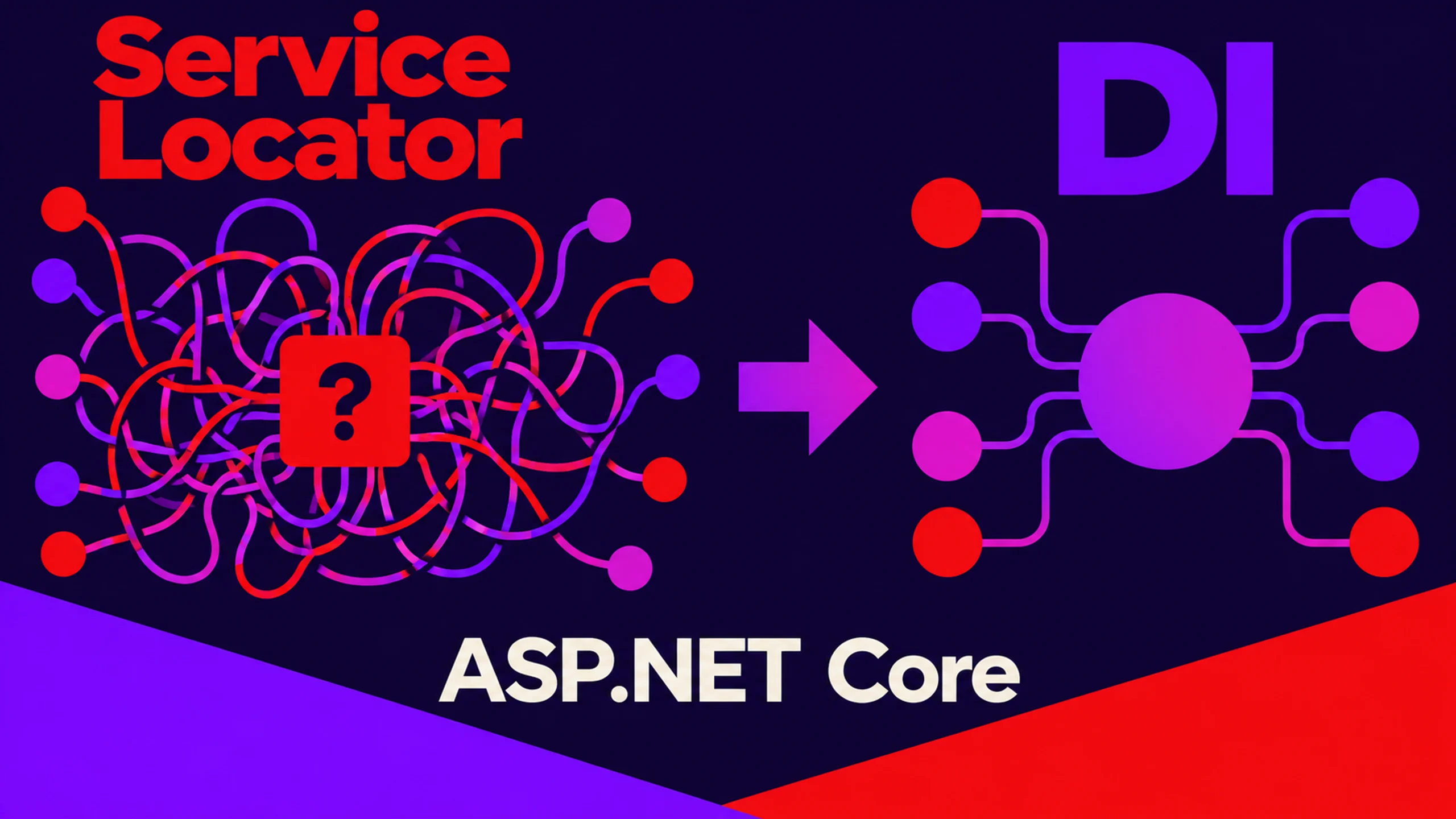
4. The Testability Killer: Service Locator Anti-Pattern
The Service Locator pattern hides dependencies behind IServiceProvider.GetService<T>() calls scattered throughout your code. While it appears convenient, it destroys testability and makes dependency relationships opaque.
// Hard to test and maintain
public class OrderService
{
    private readonly IServiceProvider _serviceProvider;

    public OrderService(IServiceProvider serviceProvider)
    {
        _serviceProvider = serviceProvider;
    }

    public void ProcessOrder(Order order)
    {
        var validator = _serviceProvider.GetRequiredService<IOrderValidator>();
        var emailService = _serviceProvider.GetRequiredService<IEmailService>();
        // Logic here
    }
}
Make dependencies explicit through constructor injection:
public class OrderService
{
    private readonly IOrderValidator _validator;
    private readonly IEmailService _emailService;

    public OrderService(IOrderValidator validator, IEmailService emailService)
    {
        _validator = validator;
        _emailService = emailService;
    }

    public void ProcessOrder(Order order)
    {
        // Dependencies are clear and testable
    }
}
5. The Memory Leak Landmine: Ignoring Service Disposal
The DI container owns and disposes services it creates. Transient and scoped services resolved within a scope are disposed when that scope ends, while singletons are disposed with the root container. The dangerous pattern is repeatedly resolving disposable transient services from the root provider: the root container retains them for disposal until application shutdown. Do not directly dispose a dependency that the container owns.
// A disposable transient resolved from the root is retained until shutdown.
builder.Services.AddTransient<IDataProcessor, DataProcessor>();
builder.Services.AddSingleton<BackgroundProcessor>();

public sealed class BackgroundProcessor
{
    private readonly IServiceProvider _rootProvider;

    public BackgroundProcessor(IServiceProvider rootProvider)
    {
        _rootProvider = rootProvider;
    }

    public void ProcessData()
    {
        var service = _rootProvider.GetRequiredService<IDataProcessor>();
        service.Process();
    }
}
Create an explicit scope for background work and dispose the scope. Use an asynchronous scope when dependencies may implement IAsyncDisposable:
public sealed class BackgroundProcessor
{
    private readonly IServiceScopeFactory _scopeFactory;

    public BackgroundProcessor(IServiceScopeFactory scopeFactory)
    {
        _scopeFactory = scopeFactory;
    }

    public async Task ProcessDataAsync()
    {
        await using var scope = _scopeFactory.CreateAsyncScope();
        var service = scope.ServiceProvider.GetRequiredService<IDataProcessor>();
        await service.ProcessAsync();
        // The scope disposes container-owned scoped and transient services.
    }
}
6. The Runtime Bomb: Circular Dependencies
Circular dependencies create an unsolvable puzzle for the DI container. Service A requires Service B, but Service B also requires Service A. This creates runtime exceptions that are particularly difficult to debug.
public class UserService : IUserService
{
    public UserService(IOrderService orderService) { } // Needs OrderService
}

public class OrderService : IOrderService
{
    public OrderService(IUserService userService) { } // Needs UserService - CIRCULAR!
}
Redesign your services to break the circular dependency. Consider using the mediator pattern or extracting shared logic into a separate service:
public class UserService : IUserService
{
    public UserService(ISharedBusinessLogic businessLogic) { }
}

public class OrderService : IOrderService
{
    public OrderService(ISharedBusinessLogic businessLogic) { }
}
Pro Tip: Validate Your Container at Startup
Validate the ASP.NET Core service provider when the application is built so that constructor cycles, missing registrations, and captive scoped dependencies fail early.
var builder = WebApplication.CreateBuilder(args);

builder.Host.UseDefaultServiceProvider(options =>
{
    options.ValidateOnBuild = true;
    options.ValidateScopes = true;
});

// Register application services before builder.Build().
ValidateOnBuild checks that registered services can be constructed. ValidateScopes rejects scoped services resolved from the root provider or injected into singletons. The Generic Host enables these checks by default in the Development environment; configuring them explicitly applies the policy in every environment. Open generic registrations are not checked by ValidateOnBuild, so startup validation cannot prove every runtime resolution path.
FAQ
- What is the difference between scoped, transient, and singleton in ASP.NET Core? Transient creates a new instance for each resolution, scoped creates one instance per request or explicit scope, and singleton creates one instance for the whole application.
- What is a captive dependency? A shorter-lived service, such as a scoped
DbContext, injected into a singleton. The singleton keeps it alive for its own lifetime, so request state can leak across requests. - How do I detect captive dependencies? Enable
ValidateScopesandValidateOnBuildon the service provider.ValidateScopesrejects scoped services injected into singletons or resolved from the root provider. - Should I register everything as transient to be safe? No. Choose lifetimes from state ownership and sharing requirements. Transient is a good fit for lightweight stateless services, but expensive object graphs add allocation and construction overhead.
- Why is the service locator an anti-pattern? Calling
IServiceProvider.GetService<T>()inside your classes hides their dependencies, which makes them harder to test and to reason about.
The Bottom Line
Dependency injection is a powerful tool, but like any sharp instrument, it can cut you if not handled properly. These anti-patterns might seem harmless during development, but they compound into serious issues under production load.
The key is to be intentional about your choices: understand service lifetimes, make dependencies explicit, consider thread safety, and always validate your container configuration.
Remember, the goal isn't just to make your code work - it's to make it work reliably, efficiently, and maintainably over time.